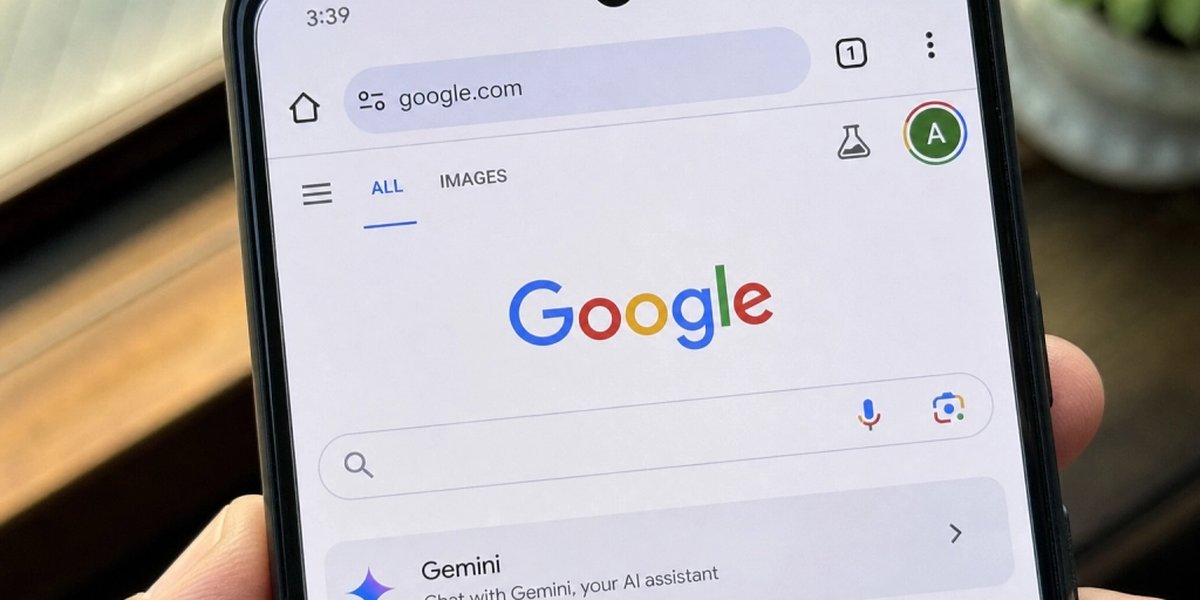
The button that accompanied Google users for decades has officially retired. Google is rolling out a redesigned google.com desktop homepage: the “Google Search” button below the search box is gone, replaced by shortcuts to AI features.
The announcement came from Robby Stein, VP of Google Search, on 19 November 2026, and was first reported by Ars Technica on 20 November. The new design is rolling out globally, but gradually — several tech journalists noted they had not seen the new look themselves when the news broke.
What changed
Two major changes on the homepage:
Search button gone, Gemini shortcuts in. Below the search box there are now three shortcuts: create images (using Nano Banana), upload and analyse files, and brainstorm with Gemini. The “I’m Feeling Lucky” button stays. According to Ars Technica, the loss is small: once users start typing, autocomplete suggestions cover the button anyway, and most people just press Enter.
AI Mode history sidebar. On the left side there is a collapsible sidebar showing previous AI Mode conversations for signed-in users — with options to start a new chat, search old threads, and open a Notebook. The same sidebar also appears on the results page. Stein said the sidebar made a “big difference” in helping users pick up where they left off, rather than starting from scratch every time.
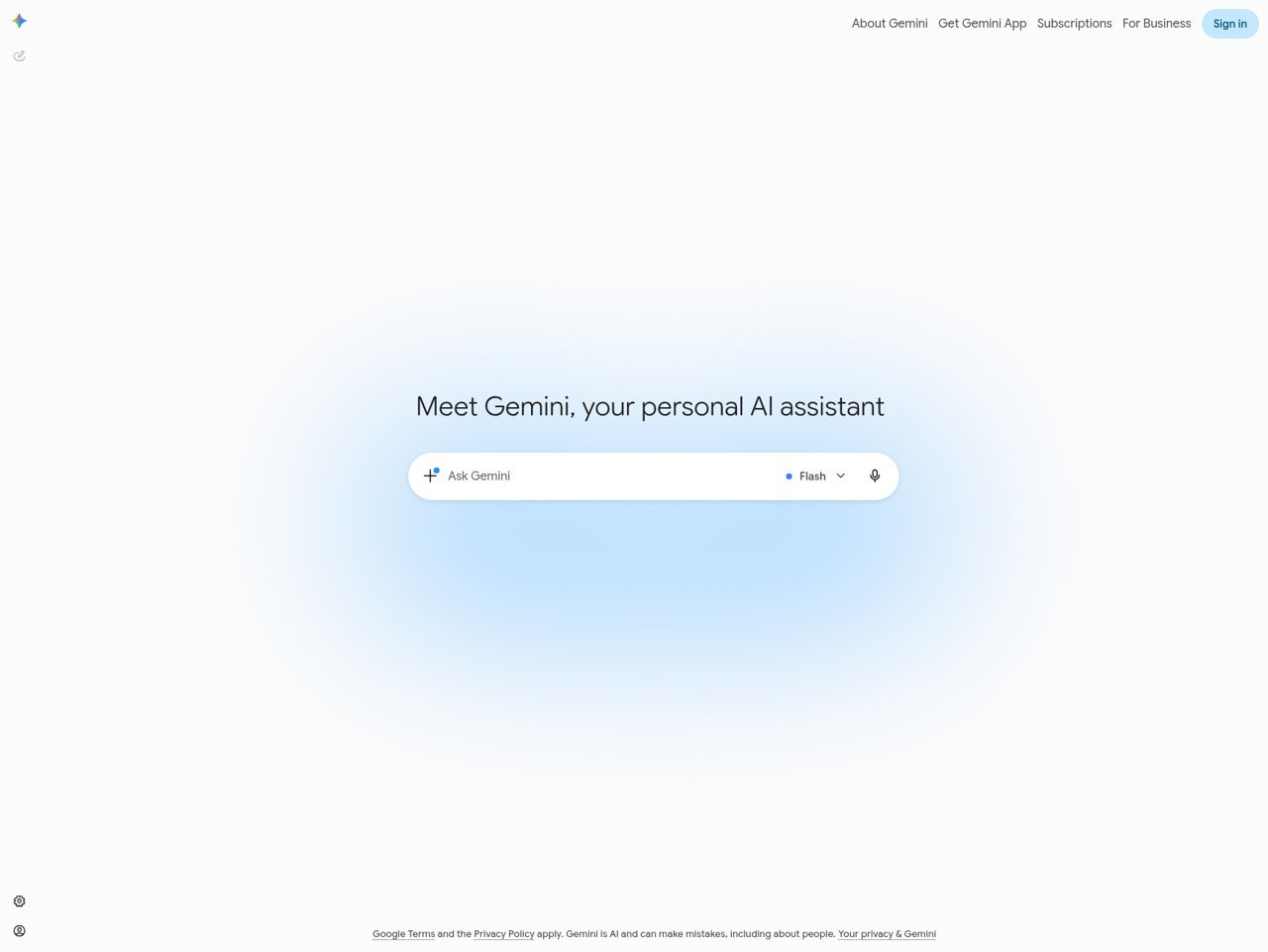 The Gemini homepage — the shortcuts on the new Google homepage lead to AI experiences like this one (illustration).
What did not change — and what to watch
Most importantly: regular search is not gone. Typing a query and pressing Enter still shows normal web results. Users only enter the AI experience if they deliberately choose AI Mode. The change is desktop-only for now, with no mobile date announced.
A few things are worth noting. The sidebar only shows saved conversations — according to Google Help Center, users have to turn on history and personalised recommendations for AI Mode to continue earlier conversations. On a shared computer, that history is visible to anyone sitting at a signed-in machine. Since 18 November, Google has also offered “temporary threads” in AI Mode: conversations separated from the account, not saved to history, and deleted as soon as they are closed.
The symbolism is bigger than the button. The Google homepage is a page millions of Indonesians open every day. When Google replaces its iconic button with an entrance to Gemini, the message is clear: Google no longer wants to be known as a search engine you ask once and leave — but as an AI assistant you talk to at length.
Read also: Gemini can now control Mac apps with Computer Use.
Sources
- Reporix: Google homepage drops Search button, Gemini takes over
- TutKit: Google homepage — Sidebar shows your AI history
- Android Authority: Google’s homepage is losing its iconic ‘Google Search’ button in favor of Gemini
- PhoneArena: Google is replacing one of its most iconic buttons with Gemini
- Chrome Unboxed: Google’s iconic Search homepage gets a Gemini sidebar and AI shortcuts