
Google has given Gemini hands to work on the Mac. A new feature called Computer Use, announced Thursday, 19 November 2026, lets Gemini in the Mac app complete multi-step tasks on the user’s behalf — clicking, typing, navigating menus, and filling in forms in desktop apps and websites.
Here is how it works: you simply describe the end goal in chat, then add “@Computer use” to your prompt. Gemini then works in an isolated background window, with a live preview inside the chat. Your main screen and cursor stay free — you can keep working as usual while the agent finishes the task behind the scenes.
Google gave examples of jobs that used to take dozens of clicks: colouring photos in bulk in design software or preparing a complex 3D scene; extracting weight, dimensions, and addresses from local PDFs to fill in a shipping quote form; pulling metrics and screenshots from dashboards across regions and assembling them into a presentation in Google Slides. In the official @GeminiApp demo, Gemini turned a quick sketch into a rigged 3D model in Blender.
Control stays with the user
Google stresses that users choose for themselves which apps Gemini may use, can stop or pause the agent at any time with a single click, and approve important steps before they are executed. Gemini will pause for logins and payments, and ask for confirmation before sensitive actions.
Alongside this, Google also added new Desktop connectors — Blender and Autodesk Fusion — joining the existing Git and Obsidian integrations. In the Gemini app for macOS, Google also embedded Antigravity, its tool for coding and building prototypes straight from conversation.
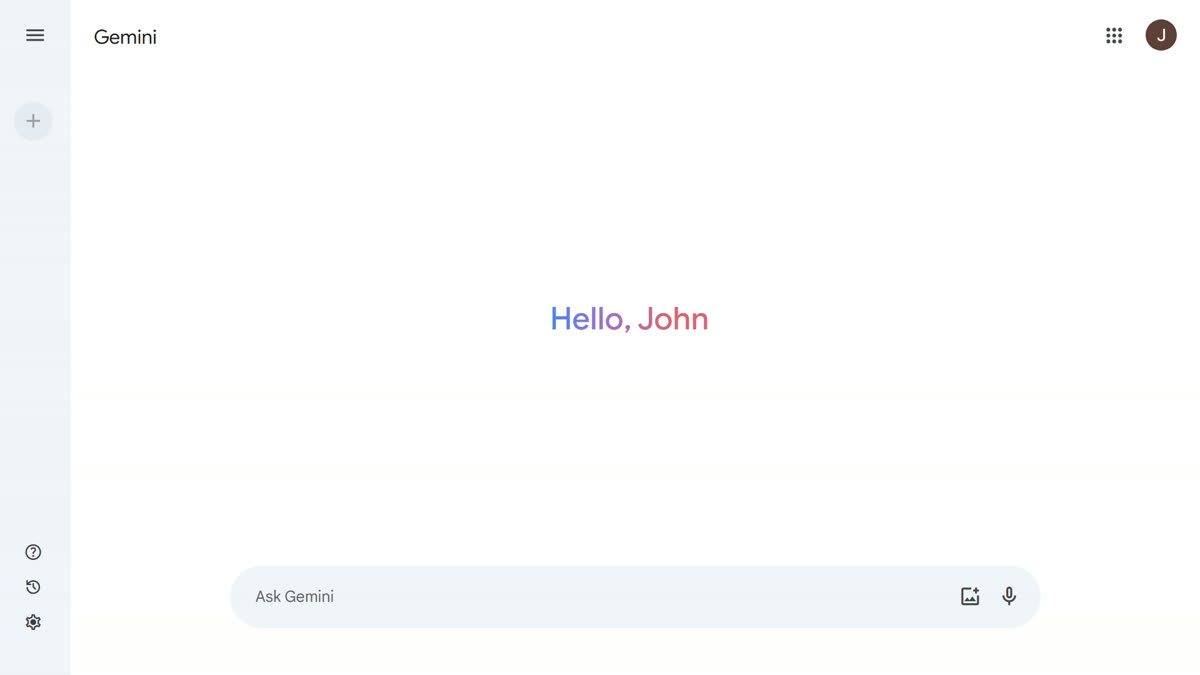 Google Gemini interface. Photo: Google (public domain).
For now: US, paid, and English only
There are limits. Computer Use is launching only in English for users in the United States, and requires a Google AI Plus, Pro, or Ultra subscription, a personal Google account for users aged 18 and over, and a Mac with an Apple Silicon chip running macOS Sequoia 15 or newer. Google has not announced when the feature will arrive in other countries — including Indonesia.
The context matters too: OpenAI has also recently pushed Computer Use through its Astra model, and Bloomberg reported that Apple is building its own agent, while adding extra permission warnings for rival agents. The race for agents that can control computers has officially reached the desktop.
On the other hand, it is worth noting that an agent that can read and click your screen is a double-edged sword. On the same day, Signal blocked screenshots so that AI agents in the operating system cannot read its users’ chats — a reminder that giving AI access to your screen means giving access to everything shown on it. Anyone who gives an AI agent access to their Mac should check the permissions in System Settings regularly.
Why does this matter for Indonesia?
Users in Indonesia cannot use this feature yet — but the direction is clear: AI assistants no longer just answer questions, they do jobs on your computer. For Mac users in Indonesia, this is worth waiting for: repetitive work such as filling in forms, tidying files, and compiling reports is the same work everywhere. The question is no longer whether agents like this will arrive here, but when — and with what safeguards.
Sources: TechCrunch — “Google gives Gemini the ability to use your Mac for you”, 9to5Google — “Gemini app for Mac adds computer use to control desktop apps”, The Decoder — “Google’s Gemini can now run Mac apps and finish desktop chores in the background”, Gemini — “Gemini Apps’ release updates & improvements (2026.11.19)”.